2026-10-22 · Drake Popstar AI
How to Make a Drake POPSTAR AI Video
Upload one photo, choose 480p or 720p, pay for credits, then download a silent 10-second 9:16 MP4.
Drake Popstar AI puts the person in your photo into a fixed POPSTAR mansion walk. The lead comes toward the camera down a warm wood-paneled hallway, holding a champagne bottle, with a natural arm swing. You do not write a prompt, and you do not upload a reference video.
A new download is 10 seconds, 9:16, and silent. 480p uses 50 credits. 720p uses 100 credits. See generated examples for clips that were made with this studio. Some of those files are 16:9 or shorter, and some include audio. That is the file you are watching, not the spec of a new download.
1. Open the studio
Go to the generator. The page shows the current frame before you pay: 9:16, 10 seconds, and a silent download.
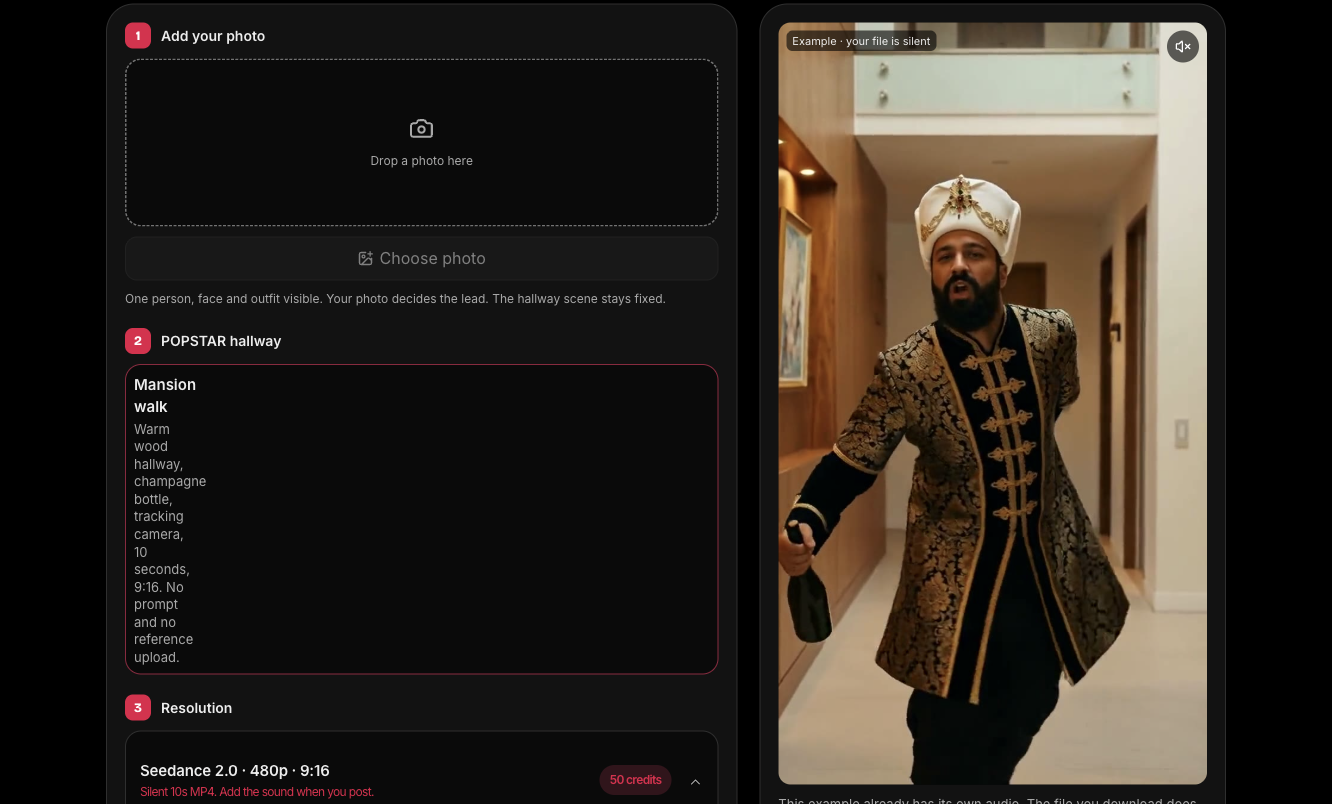
On a phone the same steps stack in one column. The create button stays under the resolution choice.
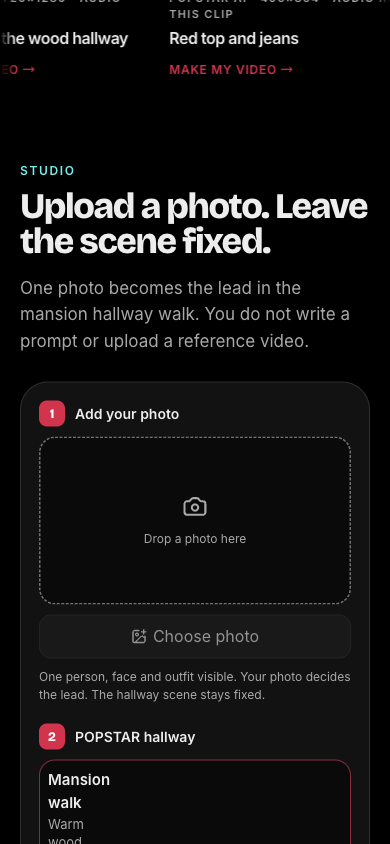
2. Upload one photo
Choose one JPG, PNG, or WebP of one real person. The file must be 10 MB or smaller, at least 300 pixels on each side, and between a 2:5 and 5:2 aspect ratio. The studio checks it in the browser. You can replace it before you start. How to choose a photo covers what to skip.
3. Choose 480p or 720p
480p reserves 50 credits. 720p reserves 100 credits. The length and frame stay 10 seconds and 9:16 either way. The credit count is on the create button.
4. Pay if you need credits
Pricing is three one-time packs: $9.99 for 50 credits, $19.99 for 100 credits, and $49.99 for 300 credits. Checkout opens on Dodo’s hosted page. The selected photo stays in this browser for 24 hours, so you can return and continue in the same browser.
5. Start the video and wait
Create video reserves the credits and starts the task. The studio shows progress on the same page. If you leave, My studio keeps the task. Do not start a second video for the same attempt while the first result is still unknown.
6. Preview and download
When the task completes, play it in the studio and download the MP4. A confirmed failure returns the reserved credits.
7. Add the sound when you post
The download has no song. On TikTok or Reels, add the POPSTAR sound in that app’s sound picker before you publish. Check that platform’s rules for AI-labeled video and music. This site does not add the recording for you.
Your photo supplies the lead’s face, hair, and clothes. The video is not Drake or Justin Bieber. Likeness and motion can vary. Drake Popstar AI is independent of the artists, their labels, and the song’s rights holders.